6 Best Hybrid Map Making Techniques
Why it matters: You’re living through a cartographic revolution where centuries-old mapping traditions meet cutting-edge digital technology. The fusion of traditional cartography’s artistic precision with digital mapping’s interactive capabilities creates powerful new ways to visualize and understand our world. Smart mapmakers are discovering that combining both approaches produces richer more engaging maps than either method alone.
Disclosure: As an Amazon Associate, this site earns from qualifying purchases. Thank you!
Create Interactive Digital Overlays on Historical Paper Maps
You’ll transform static historical maps into dynamic digital resources by combining their artistic heritage with modern interactive capabilities. This approach preserves cartographic artistry while adding contemporary functionality.
Scan and Digitize Antique Maps for Modern Applications
Capture high-resolution images of your historical maps using professional flatbed scanners at 600-1200 DPI to preserve fine details and color accuracy. You’ll need georeferencing software like QGIS or ArcGIS to align scanned maps with modern coordinate systems, establishing control points between historical landmarks and their current GPS coordinates. Clean digitized images using Adobe Photoshop or GIMP to remove stains, tears, and fading while maintaining authentic cartographic elements. Store files in uncompressed formats like TIFF to prevent quality loss during future processing and ensure your digital archives remain accessible for decades.
P.S. check out Udemy’s GIS, Mapping & Remote Sensing courses on sale here…
[lasso id=”16565″]
Use Augmented Reality to Enhance Traditional Map Reading
Deploy AR applications like MapBox AR or custom Unity-based solutions to overlay real-time navigation data onto printed historical maps through smartphone cameras. You’ll create interactive hotspots that reveal historical information, population changes, or environmental data when users point their devices at specific map regions. Implement GPS tracking to automatically adjust AR overlays based on your current location relative to the historical map’s geographic boundaries. Test AR functionality across different lighting conditions and device orientations to ensure consistent performance, and consider battery optimization techniques since AR applications consume significant processing power during extended field use.
[lasso id=”5695″]
Layer GPS Data Over Hand-Drawn Cartographic Elements
Integrate modern GPS datasets with historical cartographic features using GIS software to create hybrid visualizations that show both past and present geographic information. You’ll overlay contemporary road networks, property boundaries, and infrastructure data onto hand-drawn topographic features like elevation contours and watershed boundaries. Use transparency settings and contrasting color schemes to distinguish between historical and modern data layers while maintaining visual clarity. Export layered maps to web-friendly formats like GeoJSON or KML for integration with online mapping platforms, ensuring your combined traditional-digital maps remain accessible across multiple devices and applications.
Integrate Hand-Sketched Field Notes With GIS Software
You’ll discover that combining your field sketches with GIS platforms creates powerful hybrid maps that preserve both observational detail and spatial accuracy.
Convert Field Observations Into Digital Map Layers
Digitize your field sketches by scanning them at 300 DPI resolution and importing them into ArcGIS or QGIS as reference layers. Create new vector features by tracing over your hand-drawn elements like vegetation boundaries, slope indicators, or land use patterns. Use GPS coordinates from your field notes to georeference these sketched observations accurately within your digital workspace. Export the resulting vector layers as shapefiles or KML files for integration with other mapping software.
Combine Traditional Survey Techniques With Modern Mapping Tools
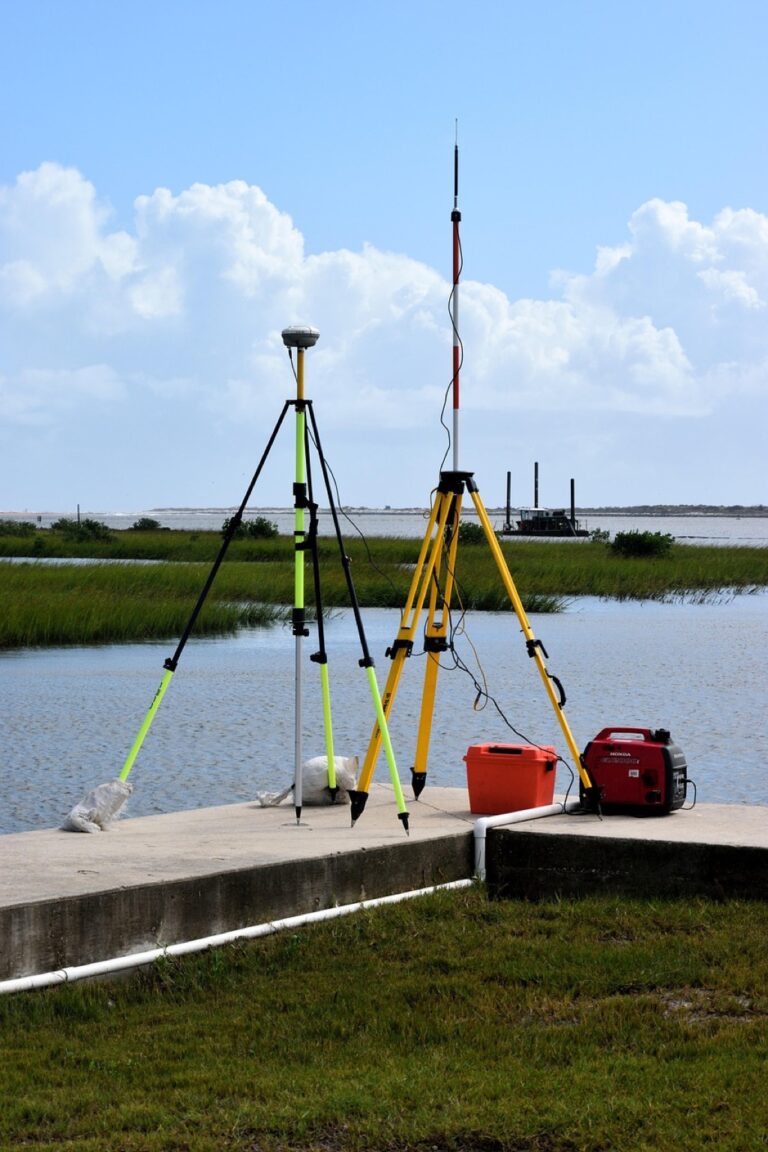
Merge compass-and-chain survey data with GPS coordinates by entering your traditional measurements into CAD software like AutoCAD Map 3D or MicroStation. Import these survey drawings into GIS platforms where you can overlay them with satellite imagery for verification. Use coordinate transformation tools to convert your local survey grid to standard projections like UTM or State Plane. This workflow maintains the precision of traditional surveying while adding modern spatial reference capabilities.
Merge Artistic Cartographic Elements With Technical Data
Incorporate hand-drawn symbols and typography into your digital maps by creating custom symbol libraries from scanned cartographic artwork. Use Adobe Illustrator to vectorize your artistic elements, then import them as SVG files into mapping software. Apply these custom symbols to represent features like historic buildings, natural landmarks, or cultural sites within your GIS datasets. Balance aesthetic appeal with data accuracy by maintaining consistent scale relationships between artistic and technical map components.
[lasso id=”16066″]
Develop Hybrid Mapping Projects Using Both Analog and Digital Methods
Hybrid mapping projects combine the intuitive strengths of traditional cartography with the precision and functionality of digital mapping technology. This approach creates comprehensive visualizations that honor cartographic heritage while meeting modern user expectations.
Start With Traditional Sketching Before Digital Refinement
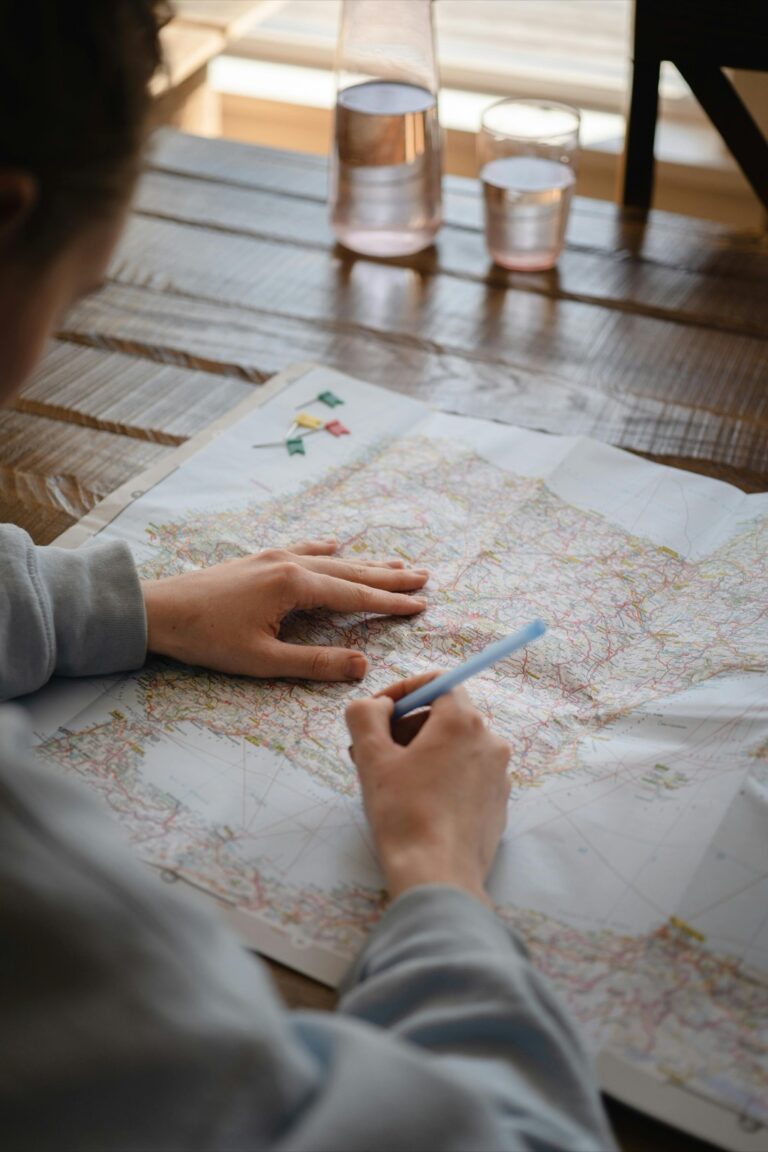
Begin your hybrid mapping project by sketching the terrain using field observations and topographic references. Hand-drawn initial drafts capture spatial relationships and geographic features with the natural flow that digital tools often lack. Document elevation changes, vegetation patterns, and cultural landmarks through pencil sketches that emphasize visual hierarchy and proportional accuracy. This analog foundation provides the creative framework that guides your digital enhancement process, ensuring the final hybrid map maintains both artistic authenticity and technical precision.
Use Digital Tools to Enhance Hand-Drawn Map Details
Scan your traditional sketches at 600 DPI resolution to preserve fine line details and texture variations. Import these high-quality images into QGIS or ArcGIS Pro to add georeferenced coordinate systems and overlay satellite imagery for accuracy verification. Apply digital color palettes that complement your original artistic style while maintaining cartographic conventions. Vector tracing tools help convert hand-drawn elements into scalable digital features without losing the organic character of your original sketches, creating professional maps that blend traditional aesthetics with modern functionality.
Create Multi-Media Map Presentations Combining Both Formats
Design interactive presentations that showcase both your original hand-drawn maps and their digital counterparts through side-by-side comparisons. Use Adobe Creative Suite or Canva to create visual narratives that highlight the mapping process from initial field sketches to final georeferenced products. Include time-lapse videos showing the digital enhancement workflow, allowing viewers to understand how traditional and digital methods complement each other. Export your hybrid maps in multiple formats including high-resolution PDFs for printing and web-optimized versions for online sharing and interactive exploration.
Transform Digital Maps Into Physical Art Installations
You’ll bridge the gap between digital precision and physical presence by creating tangible cartographic experiences that engage viewers beyond screen-based interactions.
Print Digital Cartography on Traditional Materials
Select specialized substrates like handmade paper, canvas, or wood panels to give your digital maps tactile authenticity. Use archival-quality UV-resistant inks through professional large-format printers to ensure longevity. Experiment with mixed media approaches by combining digital base layers with hand-applied elements like watercolor washes or metallic leaf accents. This technique preserves data accuracy while adding artistic depth that traditional maps naturally possess.
Create Tactile Map Experiences Using 3D Printing Technology
[lasso id=”7324″]
Generate elevation models from your digital terrain data using software like Blender or specialized GIS tools to create printable STL files. Print topographic sections at various scales using materials like PLA plastic or resin for detailed surface textures. Incorporate Braille labels and raised pathway markers to make installations accessible to visually impaired visitors. Layer different elevation zones in contrasting colors to emphasize geographic features and improve spatial understanding.
Design Interactive Physical Maps With Digital Components
[lasso id=”16094″]
Embed QR codes strategically throughout your physical installation to link viewers to real-time data, historical overlays, or multimedia content accessible via smartphones. Install LED strips or projection mapping systems that respond to viewer proximity or touch sensors placed at key geographic points. Integrate Arduino microcontrollers with pressure-sensitive panels that trigger audio narration or illuminate specific map sections when activated, creating dynamic storytelling experiences that combine traditional cartographic beauty with modern interactivity.
Blend Traditional Cartographic Symbols With Modern Data Visualization
You’ll discover that merging classic cartographic symbols with contemporary data visualization creates maps that honor historical aesthetics while delivering modern functionality.
Incorporate Classic Map Icons Into Digital Interfaces
Transform your digital maps by integrating traditional symbols like compass roses, wind roses, and decorative borders into modern interfaces. Import hand-drawn icons as SVG files into mapping platforms like ArcGIS Pro or QGIS, maintaining scalability across zoom levels. Create custom symbol libraries featuring classic elements such as sailing ships for maritime routes or mountain pictographs for elevation data. Balance these traditional elements with clean, minimalist digital layouts to avoid visual clutter while preserving the timeless appeal that makes classic cartography so compelling.
Use Traditional Color Schemes in Contemporary Map Design
Apply historical color palettes from 18th and 19th-century maps to modern digital cartography for authentic visual appeal. Utilize earth tones like burnt sienna for landmasses, prussian blue for water bodies, and sepia gradients for topographic relief in your GIS software. Extract color values from digitized antique maps using tools like Adobe Color or ColorZilla browser extensions. Adjust these traditional hues for digital display compatibility by increasing contrast ratios and ensuring accessibility standards while maintaining the warm, aged aesthetic that characterizes historical cartographic works.
Combine Hand-Lettered Typography With Digital Mapping Software
[lasso id=”16427″]
Digitize your hand-lettered place names and labels by scanning calligraphy at 600 DPI resolution for crisp vector conversion. Import these custom fonts into mapping software as TrueType or OpenType files, creating unique typographic elements that contrast beautifully with modern data layers. Use traditional lettering styles like copperplate script for water features and sans-serif capitals for political boundaries. Balance hand-lettered elements with system fonts for data labels, ensuring readability while preserving the artistic character that distinguishes artisanal cartography from automated map generation.
Preserve Cultural Mapping Heritage Through Digital Documentation
Cultural mapping traditions represent centuries of accumulated geographic knowledge that requires urgent preservation through digital documentation. You’ll protect irreplaceable cartographic wisdom while creating accessible resources for future generations.
Archive Indigenous Mapping Traditions Using Modern Technology
Indigenous communities have developed sophisticated wayfinding systems that you can preserve through high-resolution scanning and 3D modeling techniques. Document traditional materials like bark maps, stone carvings, and woven navigation charts using photogrammetry software such as Agisoft Metashape or RealityCapture. Create detailed metadata records that capture construction methods, symbolic meanings, and cultural contexts alongside the visual documentation. Collaborate directly with community elders to ensure accurate interpretation and appropriate sharing protocols for sacred or sensitive geographic knowledge.
Document Traditional Navigation Methods in Digital Formats
Traditional navigation techniques rely on environmental observations that you can capture through multimedia digital archives. Record oral histories of navigators explaining star compass systems, wave pattern recognition, and wind direction interpretation using professional audio equipment. Create interactive diagrams that illustrate traditional wayfinding concepts like the Polynesian stick charts or Inuit snow condition maps. Use video documentation to preserve demonstration techniques and combine these recordings with GPS tracking data to validate traditional accuracy against modern positioning systems.
Create Educational Resources Bridging Old and New Cartography
Educational materials that connect historical mapping practices with contemporary techniques help preserve cartographic knowledge across generations. Develop interactive online exhibits that allow users to explore traditional maps alongside their modern digital counterparts using platforms like StoryMaps or Omeka. Create hands-on workshop curricula that teach traditional map-making skills while introducing digital preservation methods. Design comparative analysis tools that highlight the accuracy and cultural significance of indigenous mapping systems when measured against satellite imagery and modern surveying data.
Conclusion
The fusion of traditional cartography with digital technology represents a pivotal moment in mapping evolution. You’re witnessing a renaissance where hand-drawn artistry meets cutting-edge digital precision creating maps that are both functionally superior and visually stunning.
These hybrid approaches don’t just preserve cartographic heritageâthey transform it into something more accessible and engaging for modern audiences. You’ll find that combining time-tested mapping wisdom with contemporary tools produces results that neither approach could achieve alone.
Whether you’re digitizing historical maps adding AR overlays to traditional sketches or creating physical installations from digital data you’re participating in a movement that’s reshaping how we understand and interact with geographic information. The future of cartography lies in this thoughtful integration of old and new.
Frequently Asked Questions
What is the main advantage of combining traditional cartography with digital mapping technology?
The fusion of traditional cartography with digital mapping creates more engaging and informative maps. This combination preserves the artistic precision and aesthetic appeal of historical maps while adding modern interactive features like real-time navigation, GPS integration, and multimedia elements, resulting in enhanced visualization and comprehension of geographic information.
How can I digitize historical maps while preserving their artistic quality?
Start by scanning antique maps at high resolution to capture fine details. Use georeferencing software to align them with current GPS coordinates, then clean and enhance the images for quality preservation. This process maintains the artistic heritage while adding modern functionality through digital overlays and interactive features.
What role does augmented reality play in enhancing traditional maps?
Augmented reality enhances traditional map reading by overlaying real-time navigation data and historical information through smartphone applications. This technology allows users to point their device at a physical map and see additional layers of information, creating an interactive experience that bridges historical cartography with modern data.
How do I integrate hand-sketched field notes with GIS software?
Digitize your field sketches by scanning them at high resolution, then convert them into digital map layers using GIS software like QGIS or ArcGIS Pro. Accurately georeference the sketches using GPS coordinates to create hybrid maps that maintain observational detail while ensuring spatial accuracy and technical precision.
What are the best practices for creating physical art installations from digital maps?
Print digital cartography on traditional materials like handmade paper or wood panels using archival-quality inks for longevity. Experiment with mixed media to enhance artistic depth, incorporate 3D printing for elevation models, and add interactive elements like QR codes or sensors to create dynamic storytelling experiences.
How can I preserve traditional cartographic symbols in modern digital maps?
Incorporate classic map icons like compass roses and decorative borders into digital interfaces. Use traditional color schemes from 18th and 19th-century maps, digitize hand-lettered typography for unique elements, and create custom symbol libraries from hand-drawn artwork to maintain aesthetic appeal while delivering contemporary functionality.
Why is it important to document Indigenous mapping traditions digitally?
Digital documentation preserves cultural mapping heritage for future generations using high-resolution scanning and 3D modeling techniques. This approach ensures accurate interpretation of traditional materials, maintains appropriate sharing protocols, and creates educational resources that bridge historical practices with contemporary mapping techniques while respecting cultural significance.
What multimedia elements can enhance traditional-digital map presentations?
Create presentations that showcase both hand-drawn and digital maps through side-by-side comparisons, interactive diagrams, oral histories, and educational workshops. Include QR codes for additional information, embed videos explaining mapping processes, and develop online exhibits that demonstrate the evolution from traditional to digital cartography techniques.